

X-Convoy-Signature.
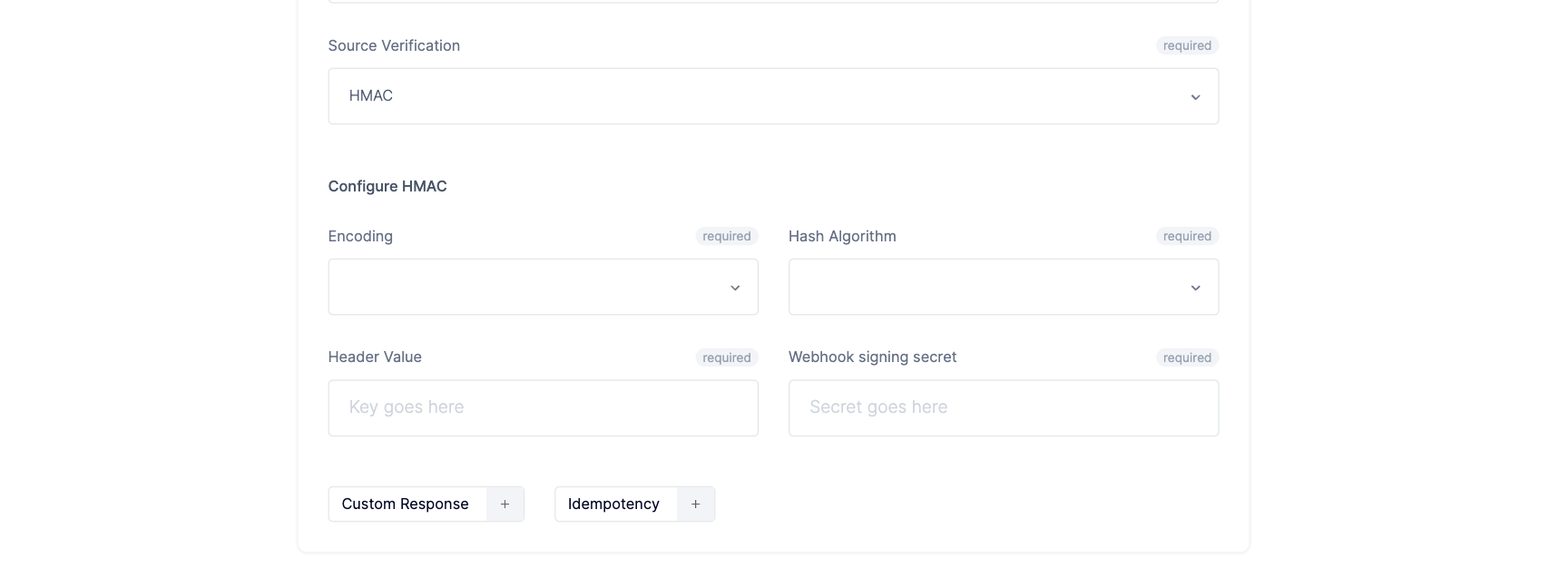
The signature header name, encoding and hashing algorithm come from the project settings. The signing secrets belong to the endpoint. Use those secrets to verify the signature accompanying a delivery.
Simple signatures
Simple webhook signatures are used to validate the webhook sent. The validation is an important process to prevent exploitation and malicious webhook requests. An example simple signature is:example
Sample header
Advanced signatures
Unlike simple signatures, advanced signatures are equipped with timestamps. Example:example
Advanced signature header
t and a signature for scheme v1. Scheme numbering starts at v1; additional schemes use v2, v3, and so on. During secret rotation, the same scheme can appear more than once, once per active secret. Your receiver verifies the delivery by matching a signature from a scheme it supports.
To further understand the concept of advanced signatures, we have made available a blog post on how they are generated as well as their use cases.
Verifying signatures manually
Convoy uses a hash-based message authentication code ( HMAC ) with an encoding method set in the project settings to generate signatures. Convoy SDKs are equipped with methods to verify your signatures, but you can also follow the steps outlined below to manually verify your signatures:Step 1: Detect the signature type and extract the signatures
An advanced signature contains at= timestamp entry and comma-separated versioned signatures. A simple signature is the encoded HMAC without those prefixes.
For an advanced signature, split entries on commas, then split each entry on its first = only. This preserves padding in base64 signatures. Keep repeated version entries so you can check signatures produced during secret rotation.
If the signature is a simple signature, the signature string is returned unprocessed.
Step 2: Create a new signature string
Now, we need to generate our own signature. To do this, using a HMAC library of your choice (most languages provide functions in the standard library for this purpose) create a digest with the following:- A shared secret.
- Encoding:
base64orhex. - Request Payload. If it’s an advanced signature, payload should be a concatenated string of the timestamp and the request payload delimited by
,. It should look like:{timestamp},{payload}
Step 3: Verify Timestamp (Optional)
If it’s an advanced signature, before comparing signatures. Verify that the timestamp is within your tolerance limit. Events outside your tolerance range can be ignored.Step 4: Compare the signatures
Compare the signatures from the request header to the signature computed from the previous step. With simple signatures, a string match is all that is required, while with advanced signatures, our computed signature must match at least one of the supplied signatures in the request header. To prevent against timing attacks please use constant time string comparison for matching signatures.Caveat: Ensuring exact JSON payload match
- Ordering: According to the JSON RFC 4627. JSON objects are an unordered collection, see below: